To add buttons that will redirect users to a chat conversation on Microsoft Teams and/or to share files in OneDrive within Data View Plus, follow the steps below:
Chat Conversation in Teams:
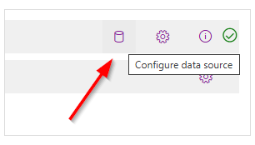
1. Click the Configure data scource button.
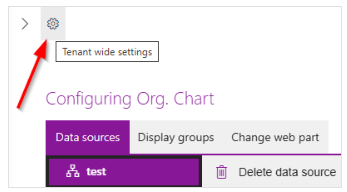
2. Click the Tenant wide settings cogwheel.
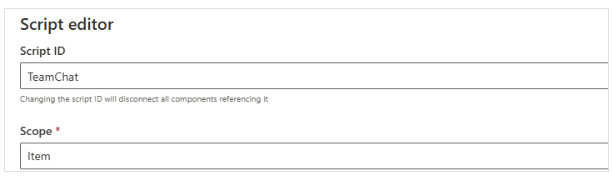
3. In the Data View Plus Scripts section, click on Add.
-
- Script ID: Enter a unique name for the script.
- Scope: Select "Item" from the dropdown menu.
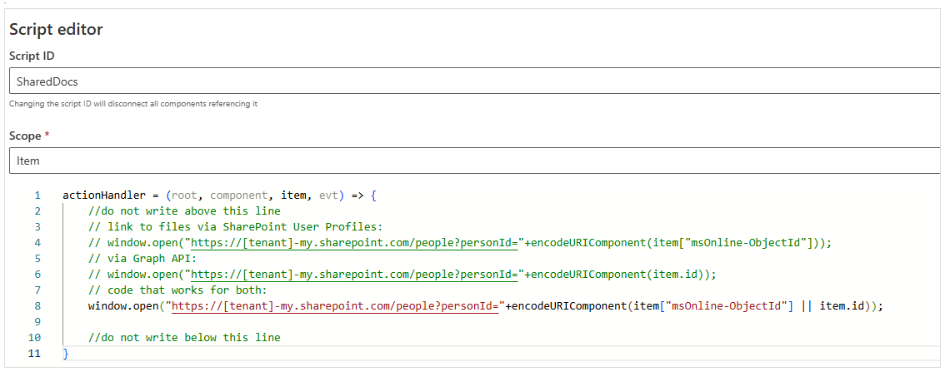
4. Add the following code:
actionHandler = (root, component, item, evt) => {
//do not write above this line
// link to files via SharePoint User Profiles:
// window.open("https://[tenant]-my.sharepoint.com/people?personId="+encodeURIComponent(item["msOnline-ObjectId"]));
// via Graph API:
// window.open("https://[tenant]-my.sharepoint.com/people?personId="+encodeURIComponent(item.id));
// code that works for both:
window.open("https://[tenant]-my.sharepoint.com/people?personId="+encodeURIComponent(item["msOnline-ObjectId"] || item.id));
//do not write below this line
}
5. While in advanced mode, click on Add in the Card actions section and then, click on the ellipsis (...) to edit the action.
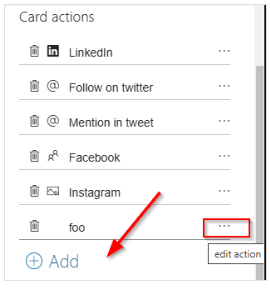
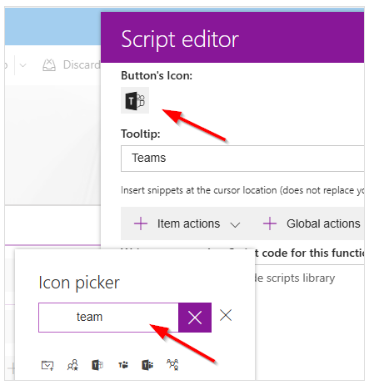
6. Choose an appropriate icon for the action by clicking the Button's Icon option.
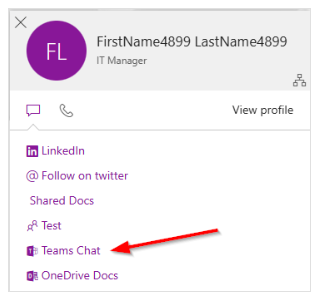
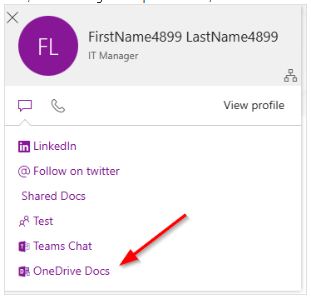
Now, when clicking on the persona card, the Teams Chat option will appear.
File Sharing in OneDrive
1. If you want to add a link directly to sharing files in OneDrive on the persona card, repeat Steps 1–3 above, and in Step 3, use the following code:
Please make sure to replace [tenant] with your tenant name.
actionHandler = (root, component, item, evt) => {
//do not write above this line
// link to files via SharePoint User Profiles:
// window.open("https://[tenant]-my.sharepoint.com/people?personId="+encodeURIComponent(item["msOnline-ObjectId"]));
// via Graph API:
// window.open("https://[tenant]-my.sharepoint.com/people?personId="+encodeURIComponent(item.id));
// code that works for both:
window.open("https://kwizcomdev-my.sharepoint.com/people?personId="+encodeURIComponent(item["msOnline-ObjectId"] || item.id));
//do not write below this line
}
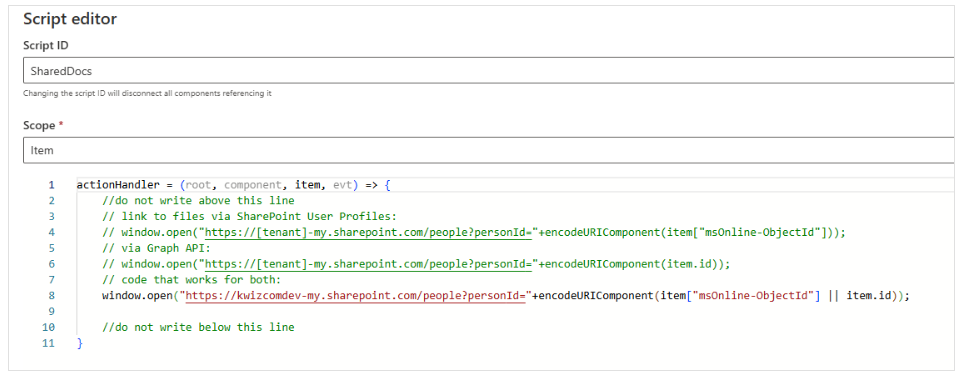
2. After adding a new action in the Card Actions section, click on Script Library, and choose the Script ID for the Shared Docs.
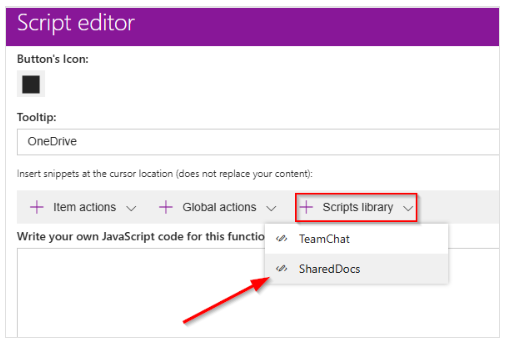
Now, when clicking on the persona card, the Shared Files option will appear.
Important: Sharing files directly in Teams is not supported. Only sharing files through OneDrive is