All Actions are disabled by default and will need to be enabled for each Service Definition.
Additionally
Check the timeline for the results of the Action
Label Options
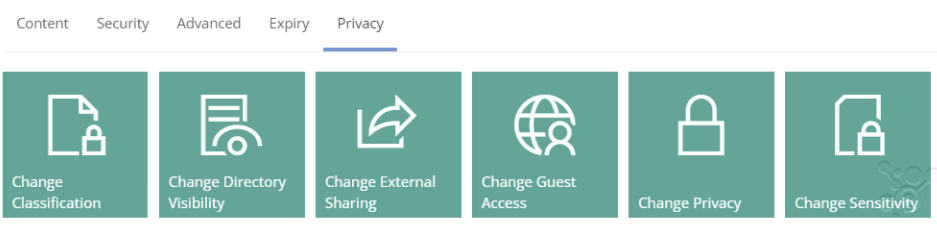
Change Sensitivity
Requesting this Action allows the sensitivity label assigned to the Group, Team or Site to be changed.
The override values in the Service Definition, MUST be setup to allow the change via the action.
NOTE this only applies to the container Sensitivity label and will only display if Sensitivity is enabled for the Service Definition. Read more in
What are Sensitivity Labels?
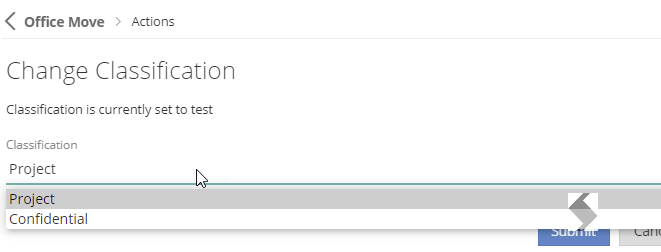
Change Classification
Requesting this Action allows the Classification Label to be changed.
Classification Labels MUST be enabled in Microsoft and in the Service Definition for this action to be visible.
Microsoft have moved away from using classification to Sensitivity Labels. If you have not migrated yet, there are great option in Purview to do this.
Security Options
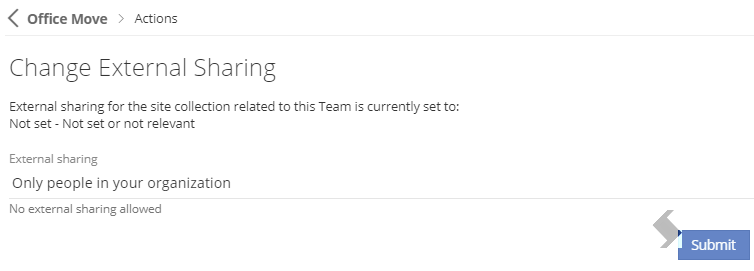
Change External Sharing
Requesting this Action allows the External Sharing settings for the SharePoint Site to be changed from the options enabled on the Service Definition.
The override options MUST be enabled to make changes via the Security tab in the Service Definition.
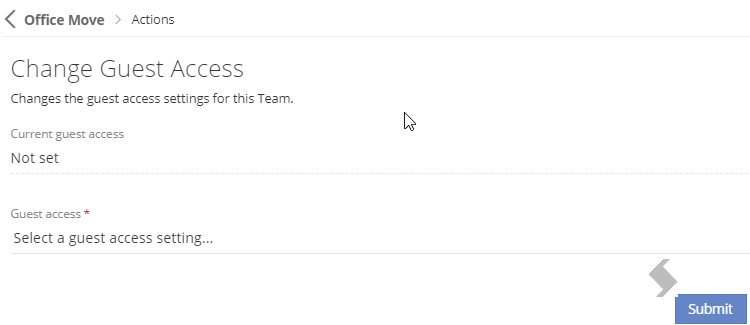
Change Guest Access
Requesting this Action allows the Guest Access to be changed.
Change if Guest access is enabled or disabled for the Group or Team, this is only available for Group connected Service types.
Change Privacy
Requesting this Action allows the privacy to be changed, restrict access by changing a Group from Public to Private.
This action is only available for Group connected workspaces
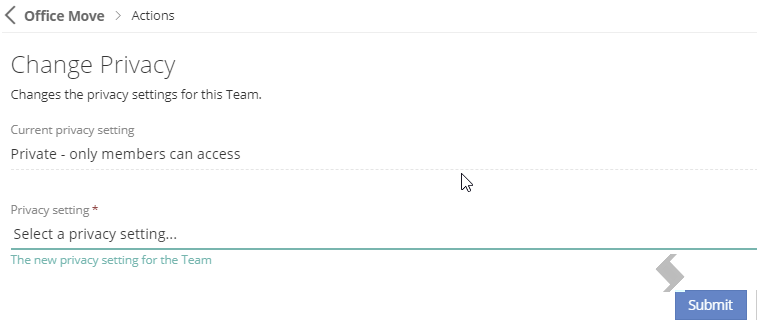
Changing to Public will add additional permissions to the Site
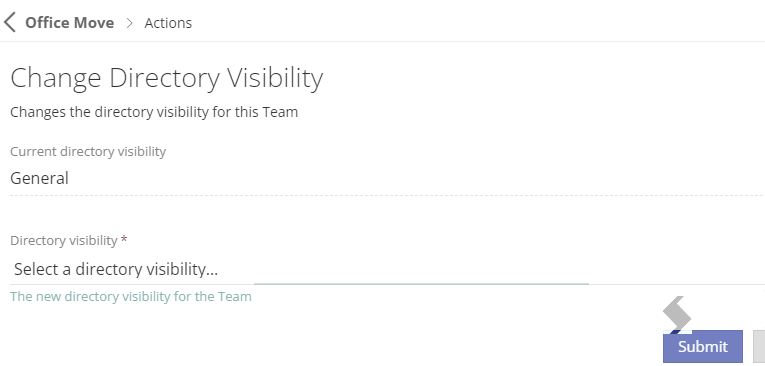
Change Directory Visibility
Requesting this Action allows the Directory Visibility to be changed.
Restrict who will see the workspace in ProvisionPoint to either:
- Owners only - Only the Service Instance Owner of the workspaces
- Requestor List - Anyone who can see the Request tile for the Service Definition
- General - Everyone who has access to ProvisionPoint
This will have no impact on visibility in Microsoft