The Built in UI language can be changed from English to another language.
The default language will be selected by the app managers of the app, an option to allow individual users to select their own language can also be enabled.
Supported Languages
- Danish
- Dutch (Netherlands)
- English (UK)
- English (US)
- French
- German
- Spanish
- Welsh
Configure the Language Options
- Login as an App manager to configure the language options,
- Go to Admin > Settings > App Settings > Personalisation
- Select the 'Default Language' from the list available.
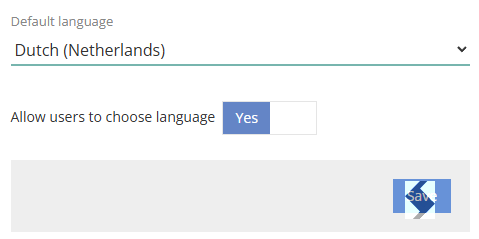
- To allow users to choose their language set to Yes.
- Click Save to keep the settings
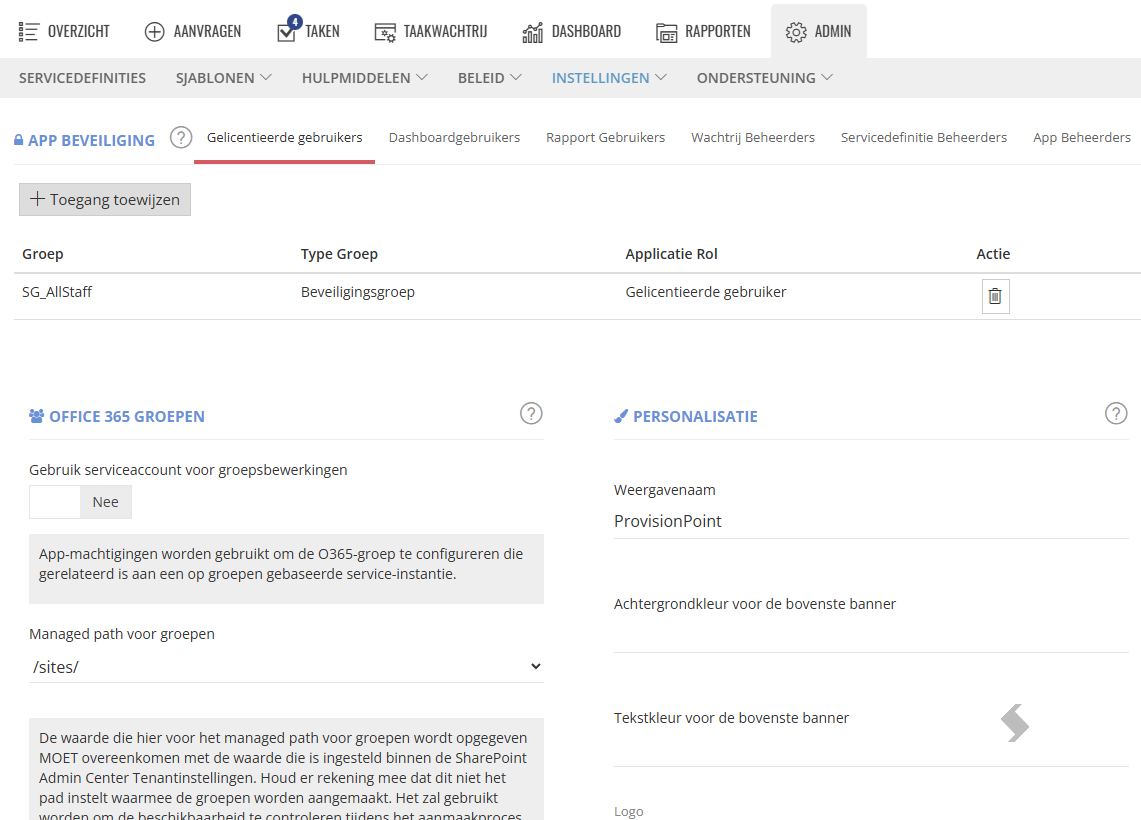
System Validation Errors will not be translated
Custom Columns, descriptions, notification templates will not be translated. Please ensure you create them in your language of choice.
Change User Language
- Click your profile icon in the far right-hand corner of the app
- Expand the Language Settings
- To use the default language shown, toggle 'Use default language' to Yes
- To choose a different language, toggle 'Use default language' to No and select the language from the drop-down list
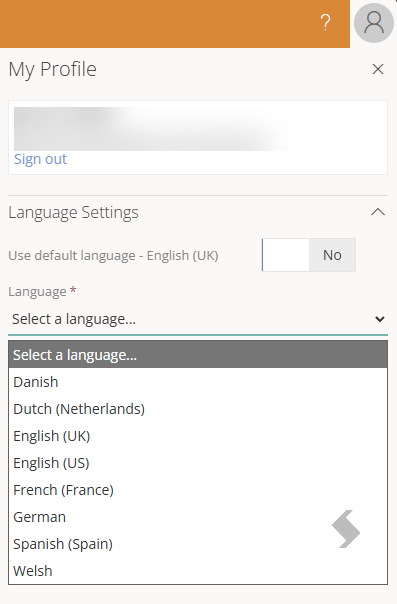
- Click Save
The Language will update for this logged in users only.