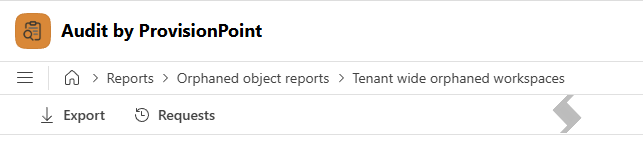
The management of orphaned objects such as users, mailboxes and workspaces, is an important compliance challenge with M365. The Audit app allows you to run tenant wide orphaned reports on the following objects:
| Report Name | Why it may be run | Filters available | Results include |
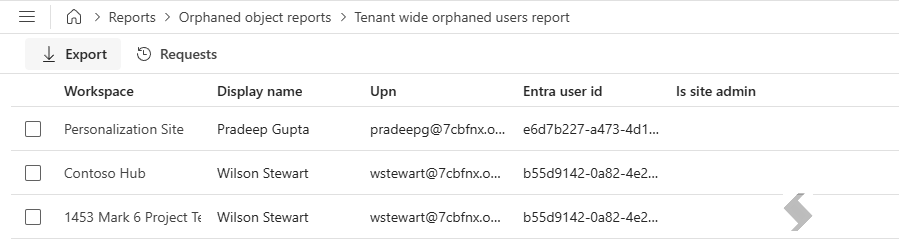
Tenant wide orphaned users report
|
Look for users that have been deleted that still have access to Sites and Teams and what level of access.
Use the filters to focus on specific business units or range of workspaces ( for example, projects Site url may start with PRJ_).
|
- Workspace filter - by Upn, Title or Url
- Include Workspaces - enabled by default, can be removed if reporting on OneDrive only.
- Include OneDrives - toggle on to include in the report
|
- Workspace
- Display Name - of orphaned user
- upn
- Entra user id
- Is Site admin?
|
|
|
Remove Orphaned User
You can run 'Actions' within the Orphaned User Report to remove the user from the workspaces.
- Select a single line to enable the Remove action.
- Click the remove button to open a panel which will allow you to remove the selected orphaned user from the workspaces.
- To remove all orphaned users from the workspace, click X on Orphaned user
- To remove the orphaned user from all workspaces, click X on Workspace
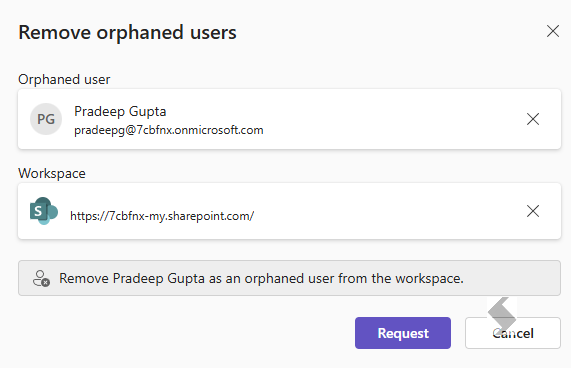
- Click Request
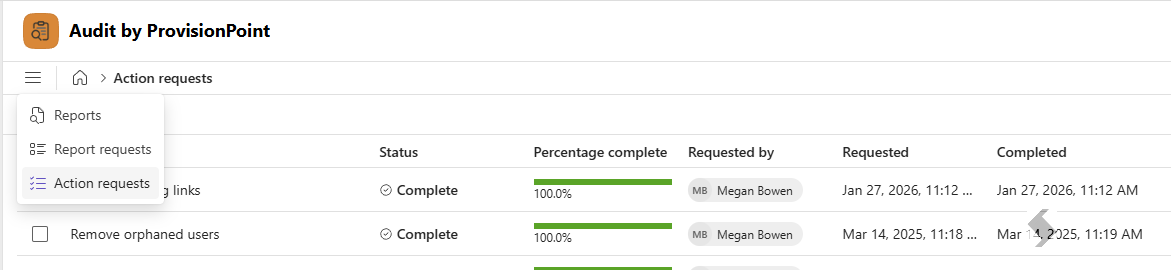
The Action will be logged against the report and can be reviewed from the Action Request area.
|
Tenant wide orphaned mailboxes report
|
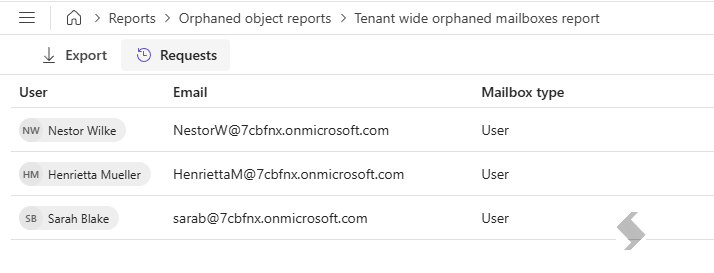
Management of orphaned mailboxes is another key compliance challenge we see customers face. Orphaned mailboxes often belong to former employees or accounts that are no longer active. If these mailboxes remain inaccessibly, they could become a security risk.
The Audit app allows you to easily see which mailboxes are orphaned within your M365 tenant, allowing you to make the required changes.
Use the filters to focus on specific business units or range of workspaces ( for example, projects Site url may start with PRJ_).
|
- Workspace filter - by Upn, Title or Url
- Include Workspaces - enabled by default, can be removed if reporting on OneDrive only.
- Include OneDrives - toggle on to include in the report
|
|
|
|
Tenant wide orphaned workspaces
|
The ability to report on orphaned workspacesin your Microsoft 365 tenant is also critical for both security and compliance. A workspace without an owner means no one is actively managing permissions, which could lead to unauthorised access or data leaks.
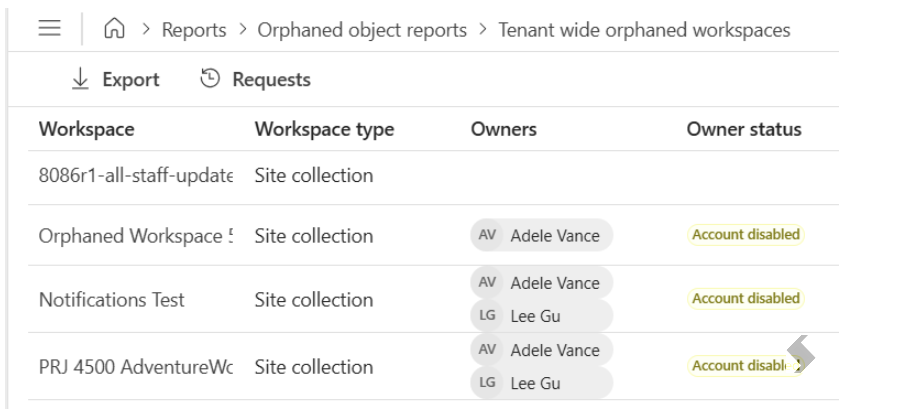
The Audit app allows you to quickly identify workspaces at risk and make the necessary changes. The report will show any workspaces where there are no owners at all, or where all of the owners are either disabled or unlicensed.
Use the filters to focus on specific business units or range of workspaces ( for example, projects Site url may start with PRJ_).
|
- Workspace filter - by Upn, Title or Url
- Include Workspaces - enabled by default, can be removed if reporting on OneDrive only.
- Include OneDrives - toggle on to include in the report
|
- Workspace
- Workspace type
- Owners
- Owner Status - if the account is disabled or unlicensed
|
|
Export Results
Each report result can be exported for further filtering and actioning. This will be exported to an excel file (xlsx) with the name of the report that has been run.