Prevent Spaces in a Column Linked to your Request Forms
ProvisionPoint has a feature called Blocked words, as you can imagine this allows you to block words from being used, it can be applied to columns, forms, Actions and your workspaces names and descriptions.
It will also allow you to block regular expressions. This means you can use it to block spaces being used on a specific column, this is very useful if this field will make up part of your URL/mailbox naming.
Follow the instructions below to prevent spaces in a column:
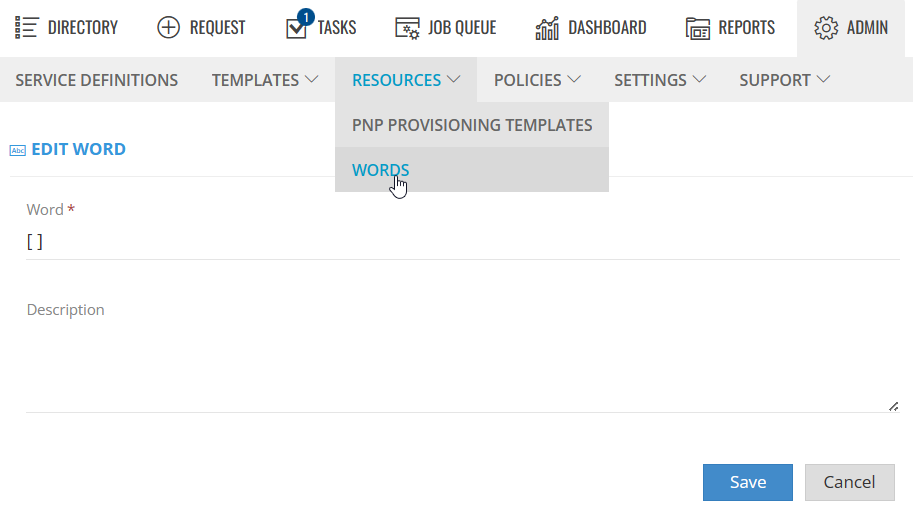
- Go to Admin > Resources > Words, add [ ] as a word.
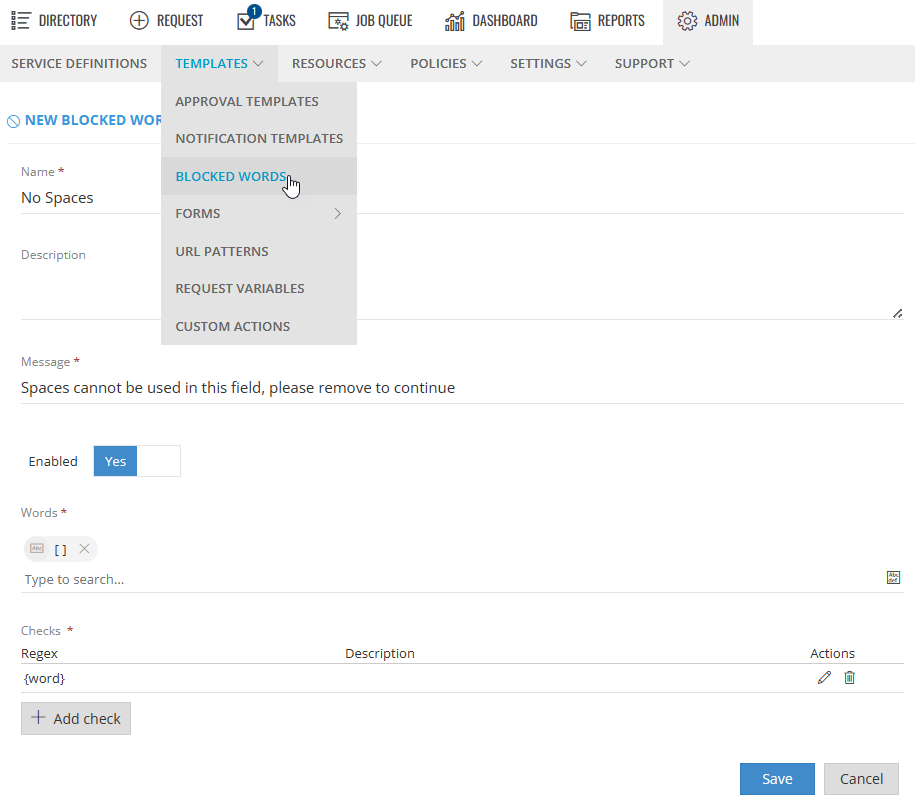
- Create a Blocked Word template with 'Checks' {word} applied. Use this to apply a warning (message) that will prevent requestors from using spaces. Go to Admin > Templates > Blocked Words.
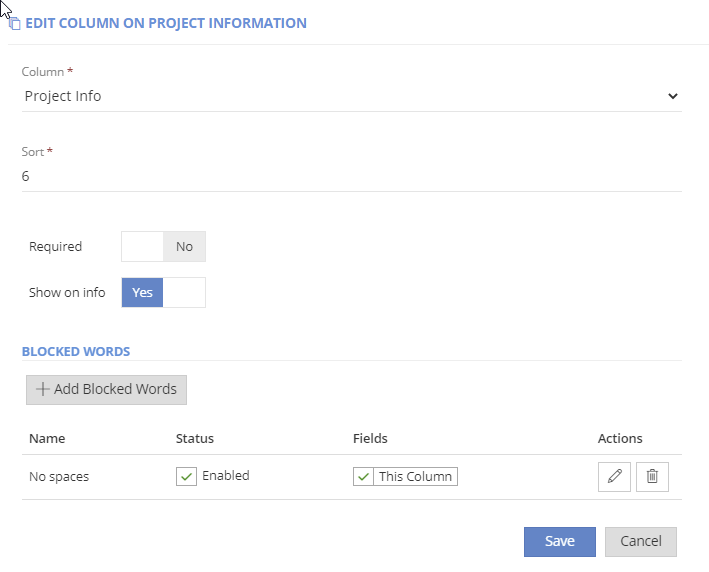
- Apply the Blocked word template to all text fields on the Form or in our case a specific column on the form. Go to Admin > Templates > Form.
- Edit the column.
- Click +Blocked Word to apply the template to column.
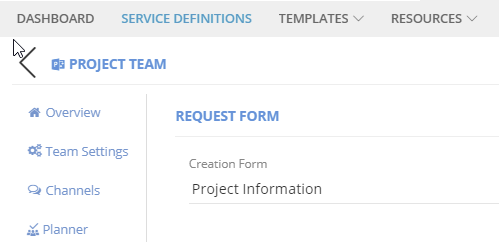
- Link your form to your Service Definition.
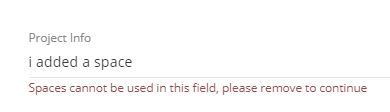
When the request is made the message defined earlier will be shown when the check criteria are matched. In this case, a space is used.
Now you have seen Blocked Words used with space used as regular expressions word, you can take this and create your own blocked words based on other regular expressions.