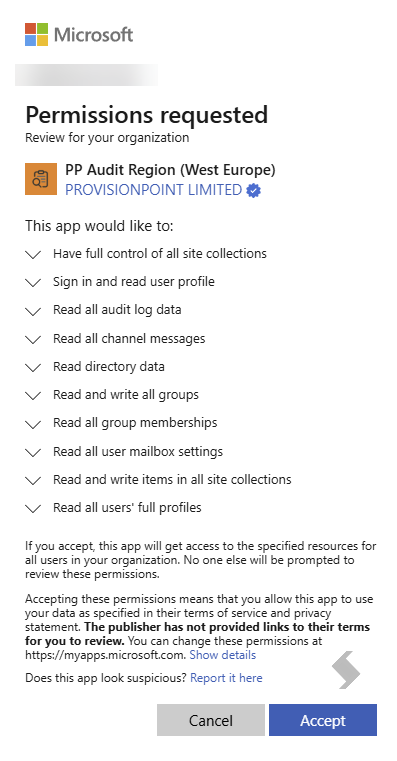
There may be times during your Audit application lifecycle that reconsenting is required. This will ensure you have the latest permissions set to get the best out of the app.
A Global Admin will be required to reconsent from within the Audit App. Your App admins may need to grant them permission via the application roles if they do not have permissions to access it via Teams.
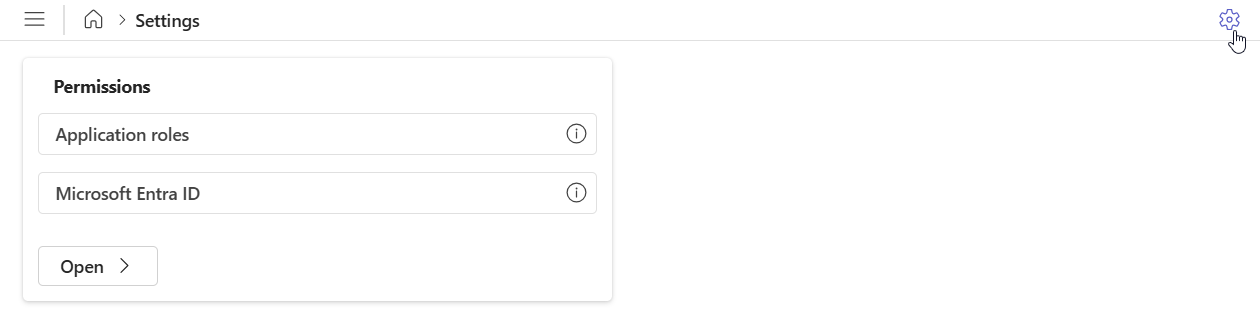
Navigate to the Settings cog in the top right hand corner to access Permissions, then select Microsoft Entra ID.
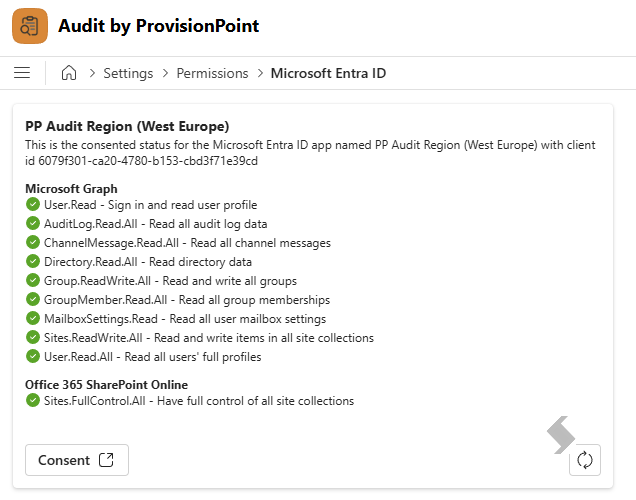
This will display a list of all Permissions required for Audit, and will have a green tick next to all of those that have been consented to.
To consent any newer permissions, select Consent at the bottom of the window.
The Global Admin will log in and Accept the Permissions