When is an AAD App required?
If you are using one of the use cases above, an App Registration will be required in the Microsoft Entra Admin Centre (EAC). The ProvisionPoint API app registration can be used or a new app registration can be created.
To authenticate we need to link the AAD App to ProvisionPoint and create a certificate to allow this to authenticate automatically.
Below are the instructions to complete this:
- Create an app registration in EAC or use an existing app registration you already have
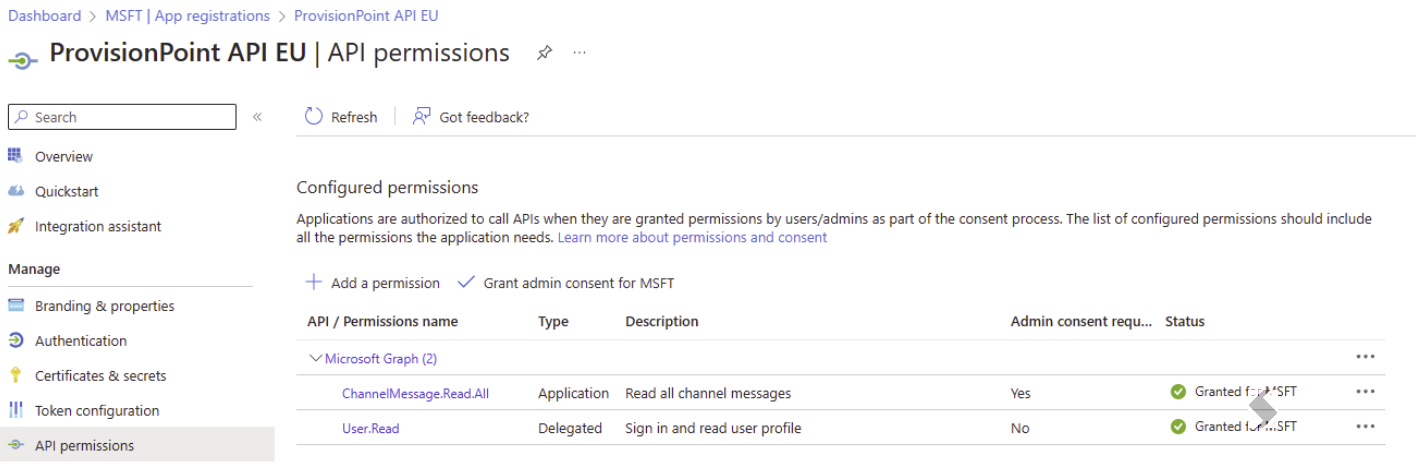
- Add the Graph or other API permissions to that app registration, grant admin consent if required
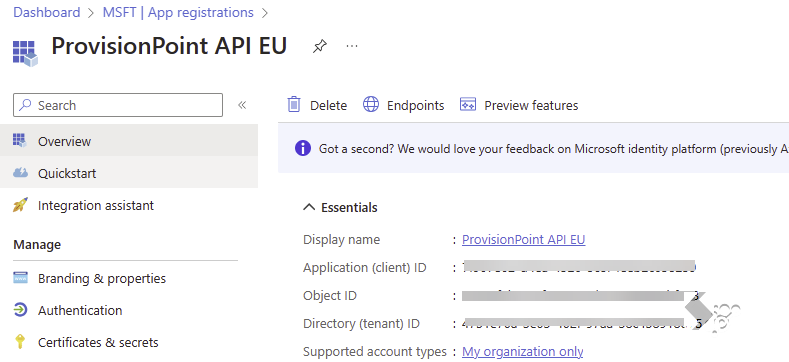
- Copy the application ID for the app registration (Overview page)
- Open ProvisionPoint with a member of the App Manager role and go to Admin > Settings > AAD App
- Paste the Application ID
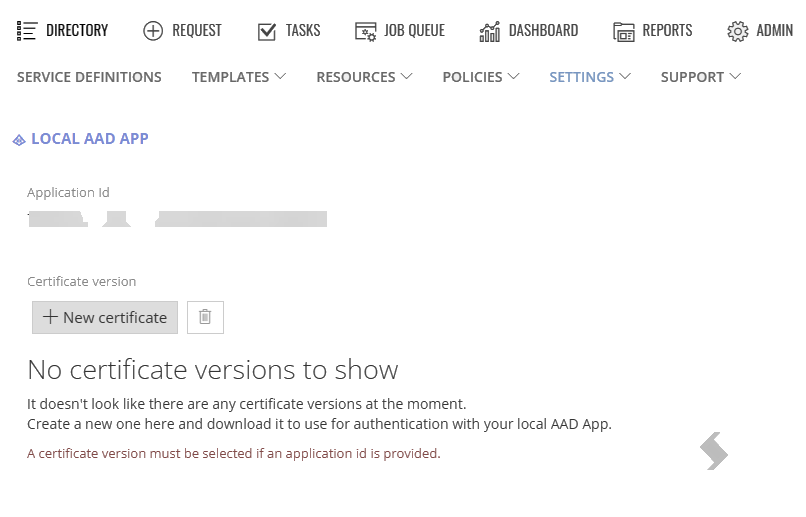
- Click + New Certificate and confirm
- Once created, select the certificate and download it from the actions bar


- When this downloads it may need you to confirm the file is safe
- Click Save in ProvisionPoint, go to another page and then back to AAD App to ensure all settings have saved.
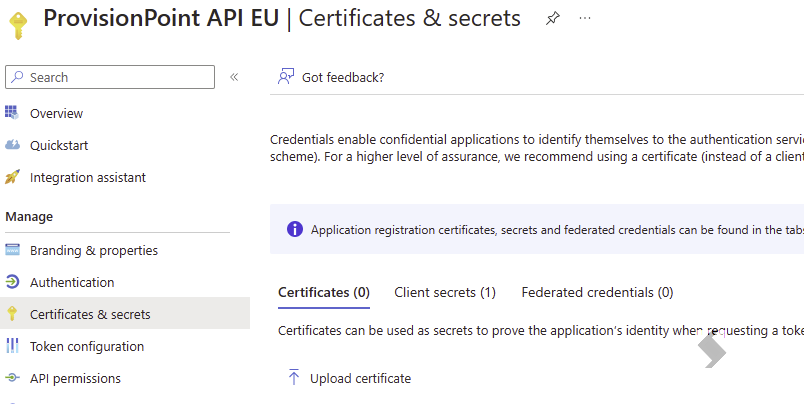
- Upload the certificate to the App registration in EAC on the Certificates & Secrets tab
Once Added the app registration and API permissions can be used in your custom action, policies or request form.